shield
Private by default
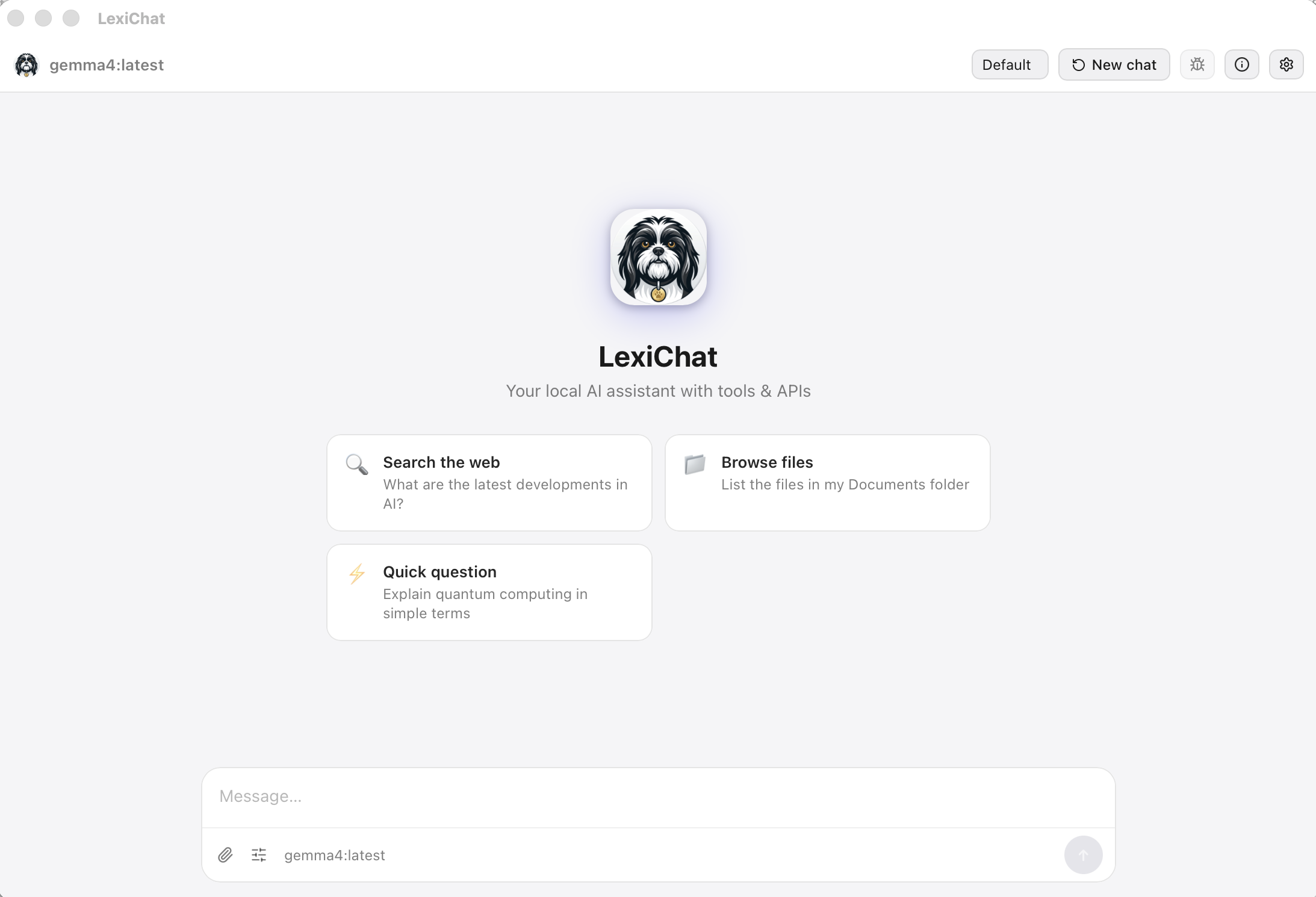
Run local with Ollama and your conversations, files, and queries never leave your machine — no keys, no usage logging, no third-party servers. Prefer a cloud model? Bring your own key; only the chats you point at it are ever sent, and always to the endpoint you chose.
Local by default
No telemetry
Your keys, your choice
folder_open
File & Document Tools
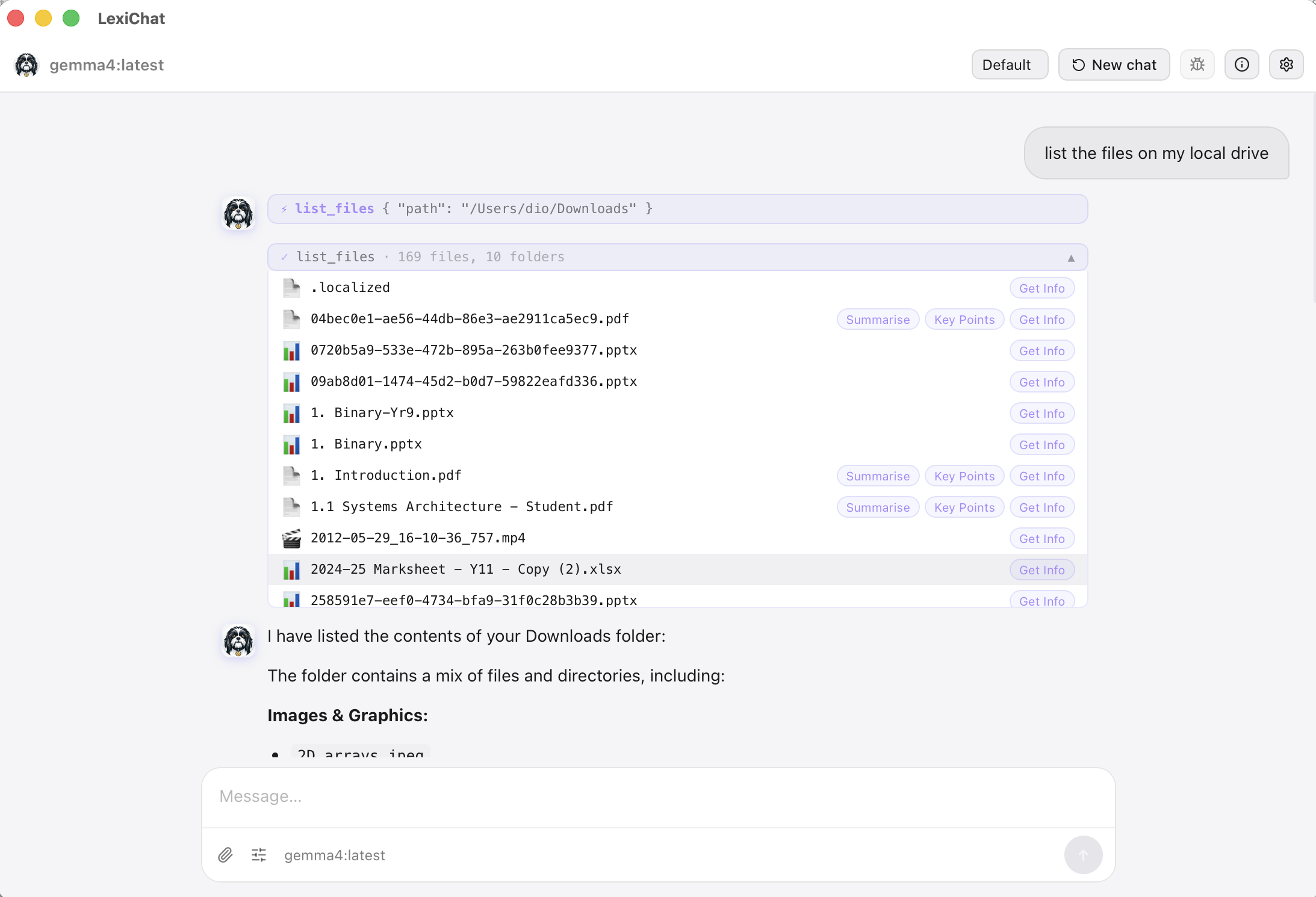
Read, write, search, and summarise files directly. Native support for PDF, Word (.docx), plain text, and code files. Browse your folders interactively in the chat.
picture_as_pdfPDF read & write
articleWord .docx support
searchSearch within files
account_treeDirectory trees
travel_explore
Web Search Built In
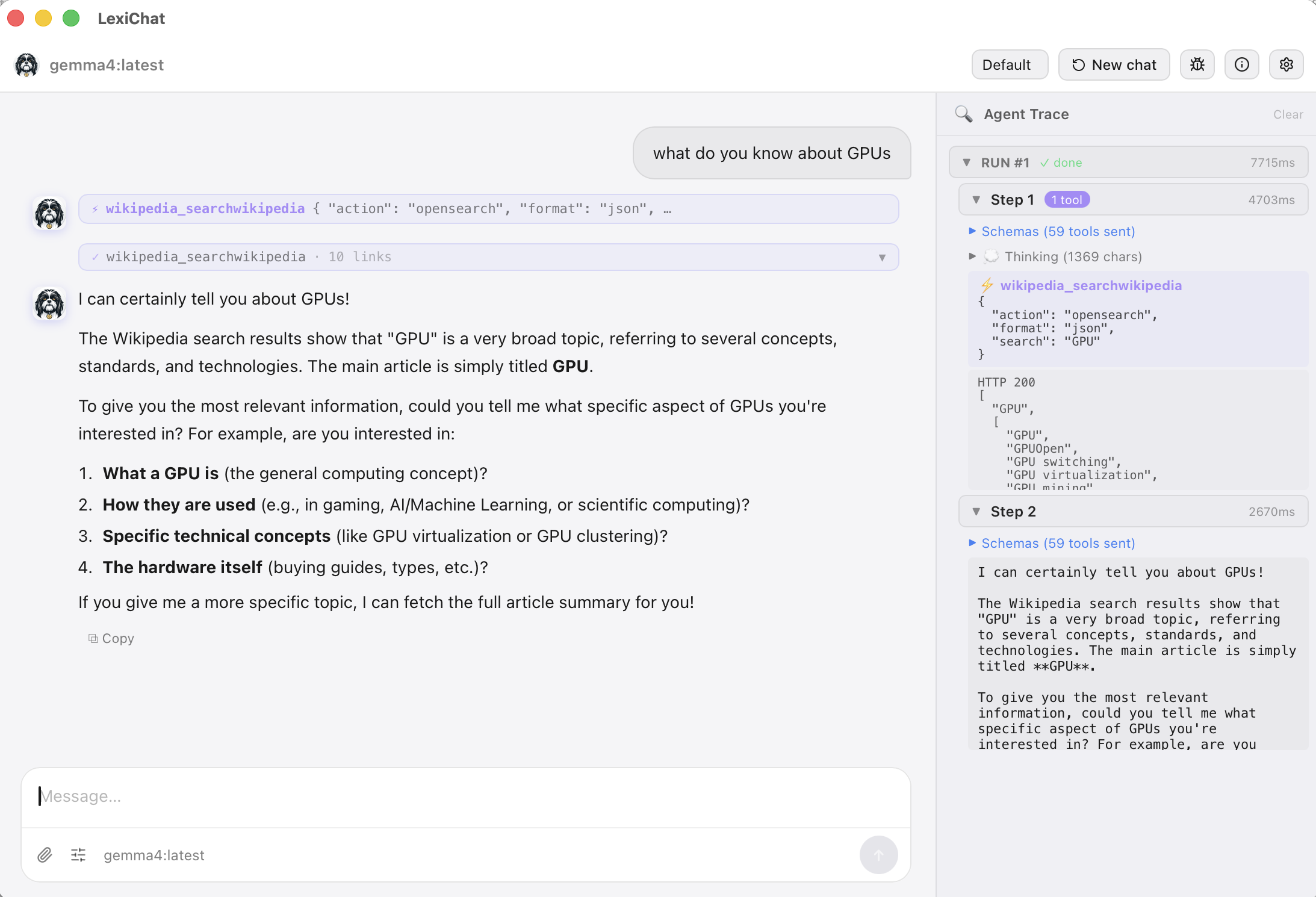
Ask about current events, weather, or anything live. LexiChat searches DuckDuckGo and returns real results with clickable links — no browser switching needed.
manage_accounts
Agent Profiles
Create multiple AI personas — a Code Assistant, a Writing Coach, a Research Agent — each with its own model, tools, system prompt, and file sandbox.
extension
OpenAPI, SPARQL & MCP
Connect any external service by pasting an OpenAPI spec, querying SPARQL / linked-data endpoints, or attaching MCP servers — which can even render interactive apps (live UI) right in the chat. Turn LexiChat into a powerful automation hub for your workflow.
tune
Fine-tune Every Response
Progressive chat parameters let you switch between Precise, Balanced, and Creative modes in one click — or dive into advanced controls like temperature, top-p, context window, and more. Set global defaults or change them per-chat.
schedule
Scheduled Jobs & Workflows
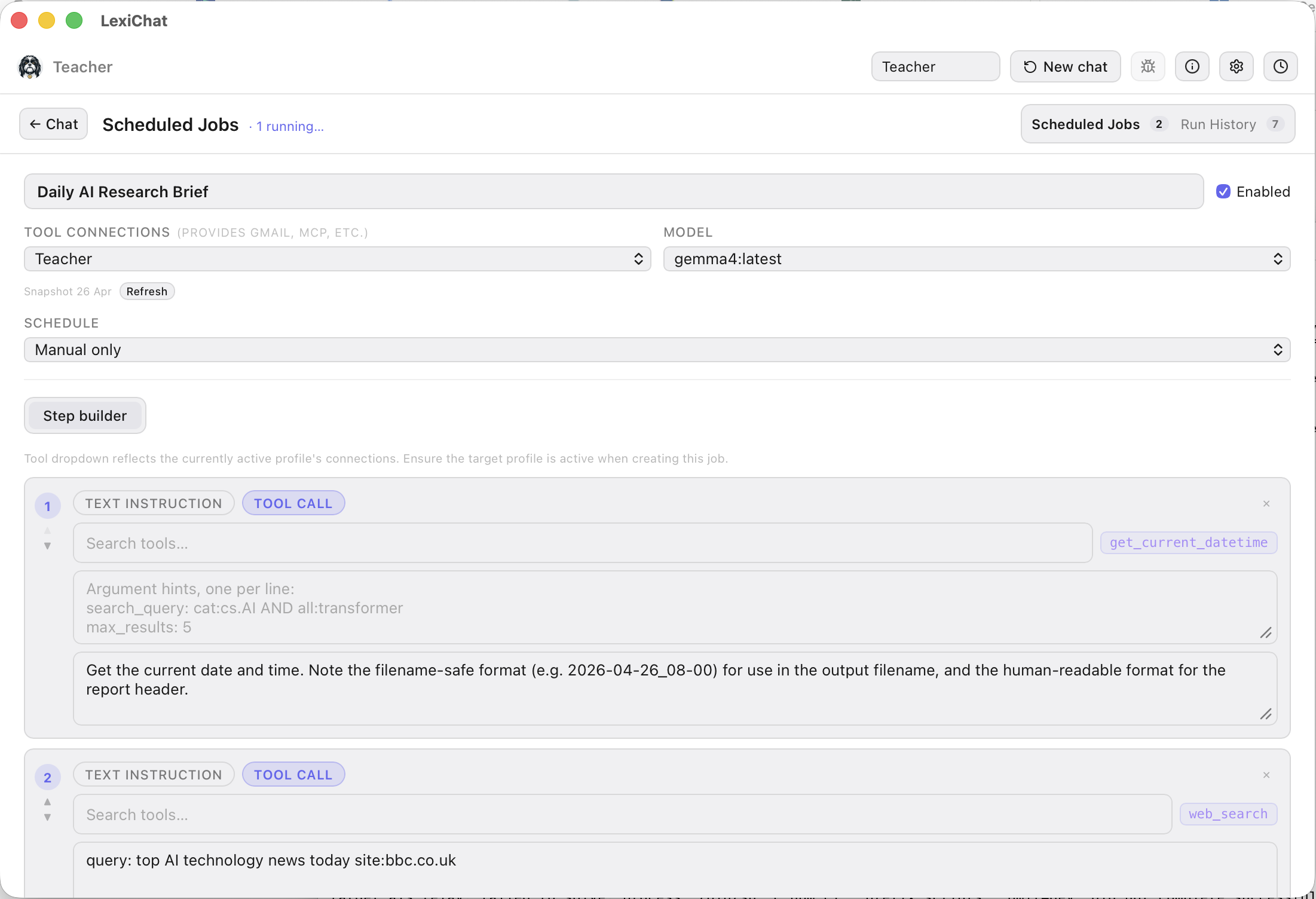
Define prompts that run automatically — daily, weekly, every N hours, or on demand. Each job is tied to a specific profile and its tools, so it always runs with the right context regardless of which profile you have active.
Use the Step Builder to design multi-step workflows: chain text instructions with specific tool calls (web search, file read, datetime, and more) into a precise, repeatable sequence your agent follows every time.
account_treeVisual step-by-step workflow builder
buildPer-job tool selection
historyFull run history with debug trace
saveAuto-save output to file
menu_open
Runs in the Background
LexiChat lives in your menu bar / system tray. Closing the window hides it — your scheduled jobs keep running. Click the icon to bring it back any time.
macOS menu bar
Windows tray
Linux system tray
Save any response as…
.txt
.pdf
.docx (styled)